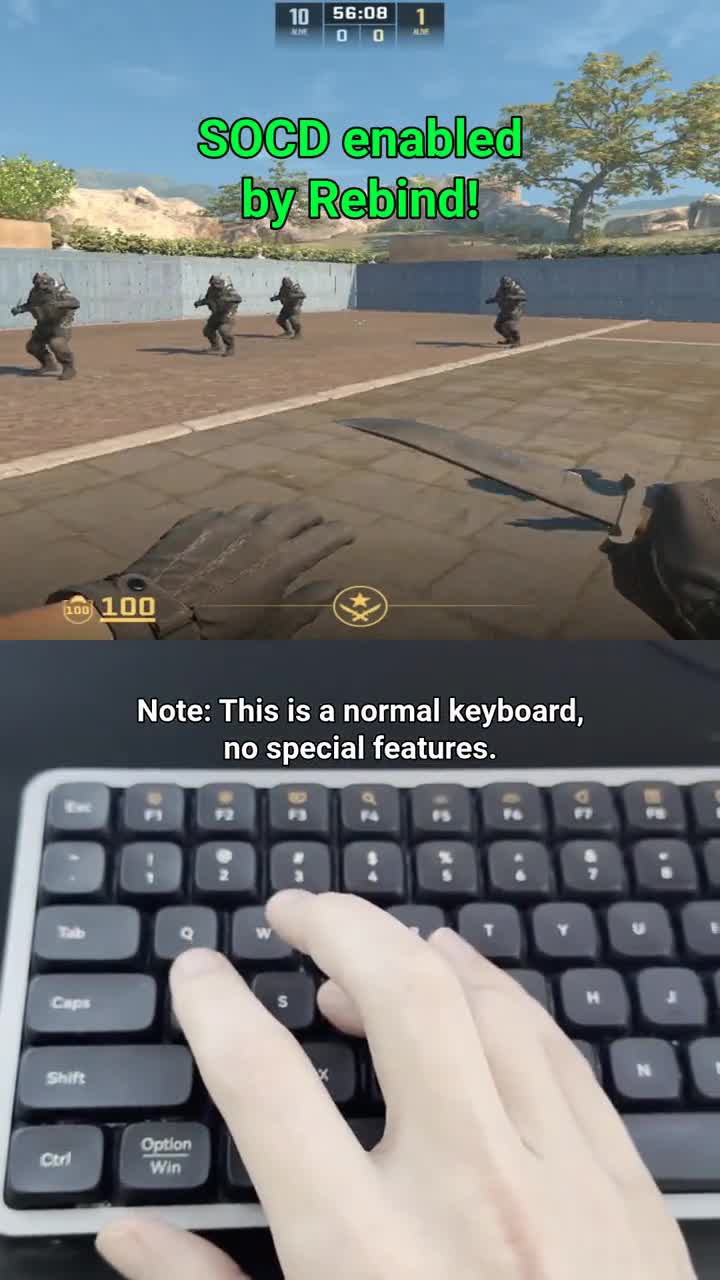
Depth needs new hardware. Last key wins does not.
Razer calls last key wins Snap Tap, and Wooting calls it Snappy Tappy. Hall-effect keyboards that ship with it cost $175 and up; the Wooting 60HE is $175.
Last key wins only needs to know which keys are down and which went down last. Your keyboard already reports presses and releases. Snapmove reads them in Rebind and decides which of A/D and which of W/S the game sees.
Depth-based switching, like Wooting's Rappy Snappy, is a different feature: it needs a keyboard that measures how far each key is pressed.
CS2's policy covers keyboards that do this too
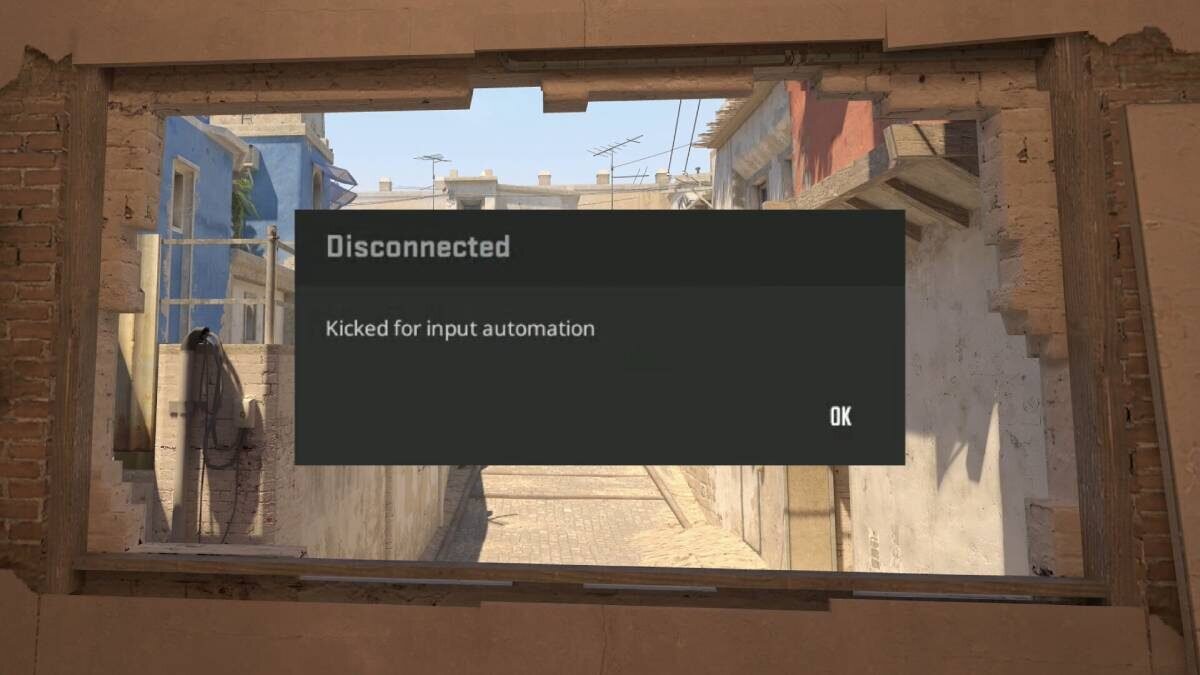
Valve kicks snap-tap-style input from official CS2 matchmaking since August 2024, so turn Snapmove off with F11 before you queue official matchmaking. Valve's August 2024 notice names automation "via scripting or hardware".
The handoff timing is yours to set
When a new key takes over, both keys stay down for 15 to 25 ms by default, then the old one lets go, so the switch feels like a key change rather than an instant cut. Change the range in Snapmove's options, or turn Humanize overlap off and set Overlap Max to 0 to release the old key at once.
Run the free test before the purchase
Snapmove and Rebind are both free, so the test costs an install. By default it runs only in windows matching its built-in game list, CS2 included; add others under Window/Process Targets. If last key wins does nothing for your play, you have spent nothing finding out.
Check these yourself
Each one is on the Snapmove listing.
- Price
- Free
- Runs on
- Windows and macOS
- Needs
- Rebind 3.5.0 or newer
- Keys
- W, A, S, D
- Toggle
- F11
- Source
- Files tab
What each option costs
| Option | Cost | Trade-off |
|---|---|---|
| Snapmove | Free | W, A, S, D only. Needs Rebind 3.5.0 or newer on Windows or macOS. |
| Snap Tap or Snappy Tappy keyboard | $175 and up | Replaces your keyboard. |
| AutoHotkey | Your own script | Windows only. You maintain the script yourself. |
| reWASD | Paid subscription | Aimed at controllers. |
What Snapmove won't do
- Act on keys other than W, A, S, D and its F11 toggle.
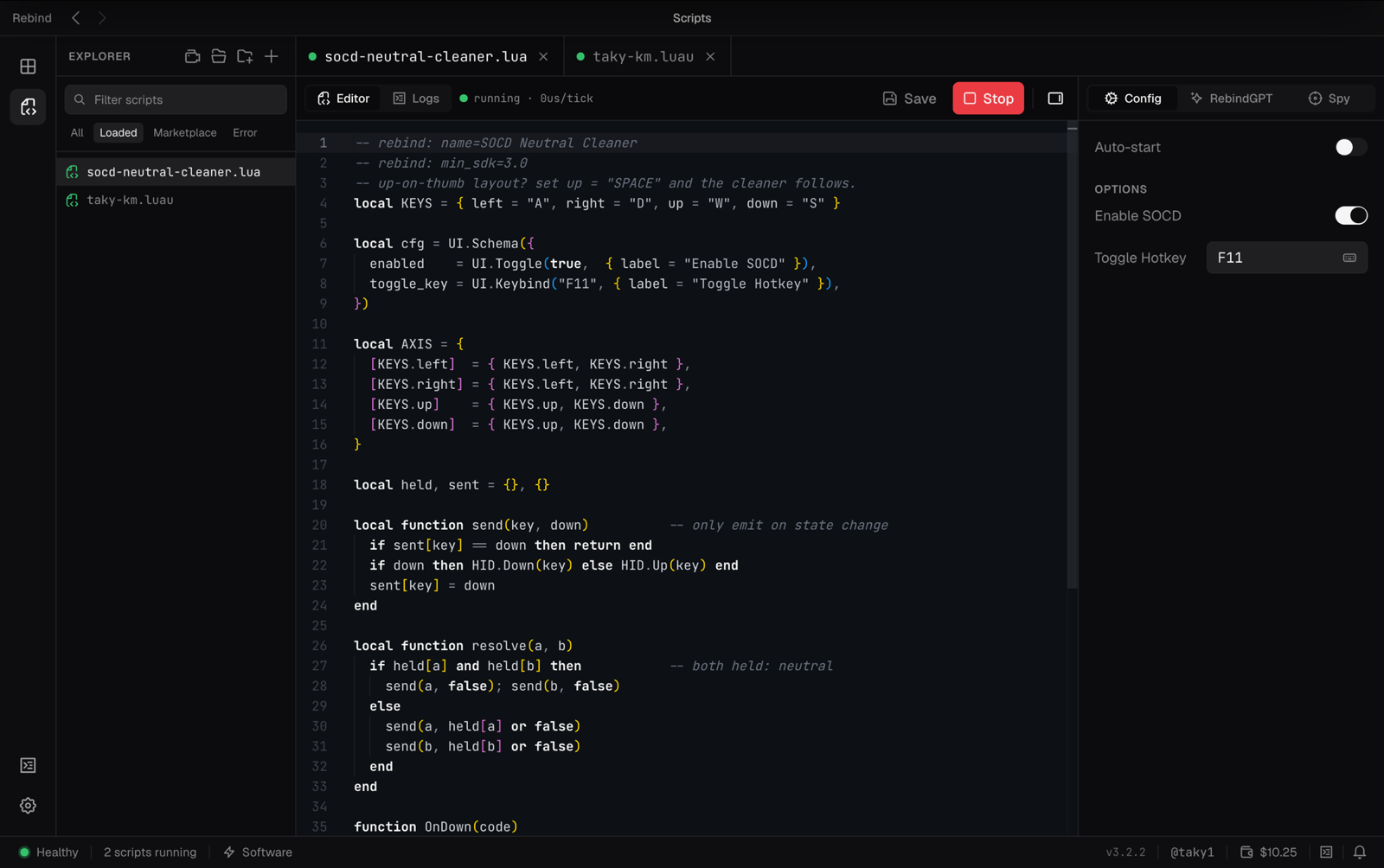
- Neutral SOCD, where left plus right cancel to nothing. That is a separate short Luau script in Rebind.
- Fighting games. They are not on its list, and tournament rulesets require neutral resolution on button controllers.
Questions
What about Valorant?
The VCT ruleset permits Snap Tap and SOCD in Valorant unless league officials say otherwise. Check the rules wherever you play.
How do I stop it?
F11 turns it off. Stop it from the editor toolbar, or press Left Ctrl + Left Alt + K to stop all scripts.