Buyer's guides / Price
Last key wins, ranked by price. First place costs $0.
Four ways to get last-key-wins movement, sorted by what leaves your wallet: $0, $0, $175, and whatever Razer charges for the board you pick.
By the team behind SnapmoveSponsored: we make pick #1Updated October 20264 min read
Short answer
Snapmove, a free package for the free Rebind app on Windows and macOS. No new keyboard. The Wooting 60HE, with the feature built in, costs $175.
Get Snapmove freeOpens the listing on rebind.ggAt a glance
| Option | You pay | Hardware | Runs on | Behavior | Upkeep |
|---|---|---|---|---|---|
| 1. Snapmove in Rebind | $0 | Keyboard you own | Rebind app, Windows and macOS | Last key wins, W A S D | Rebind package, open source |
| 2. AutoHotkey script | $0 | Keyboard you own | Windows only | Whatever you write | You |
| 3. Wooting 60HE | $175 | New keyboard | Keyboard feature | Last key or deeper press wins | Vendor |
| 4. Razer Huntsman V3 Pro | See razer.com | New keyboard | Keyboard feature | Last key wins | Vendor |
The ranking, cheapest first
- 1Our pick
Snapmove in Rebind
Best if you want to spend nothing
- Price
- $0
- Needs
- Rebind 3.5.0 or newer
- Runs on
- Windows, macOS
No subscription either. Hold A, press D, and D wins. Release D while A is still held and A comes back. W and S work the same way. The old key stays down for a short overlap, 15 to 25 ms by default, so the handoff feels like a real key change instead of an instant cut. Set Overlap Min and Max to 0 in its options for an instant release. F11 turns it on and off.
Get Snapmove freeWhat's good
- Windows and macOS
- Open source: the listing's Files tab shows the code
What's not
- W, A, S, D only
- Last key wins, not neutral
- Runs only in games on its built-in list until you add more
- 2
AutoHotkey script
Best if you are on Windows and would rather write it yourself
- Price
- $0
- Runs on
- Windows only
Also $0. You pay in time instead: you find or write the script, and when it breaks, the support team is you. A short script can handle A/D and W/S with any rule you choose. On a Mac, it does not run.
autohotkey.comWhat's good
- On the keyboard you own
- Any rule and any keys you script
What's not
- Windows only
- You write and maintain the script
- 3
Wooting 60HE
Best if you were buying a new keyboard anyway
- Price
- $175
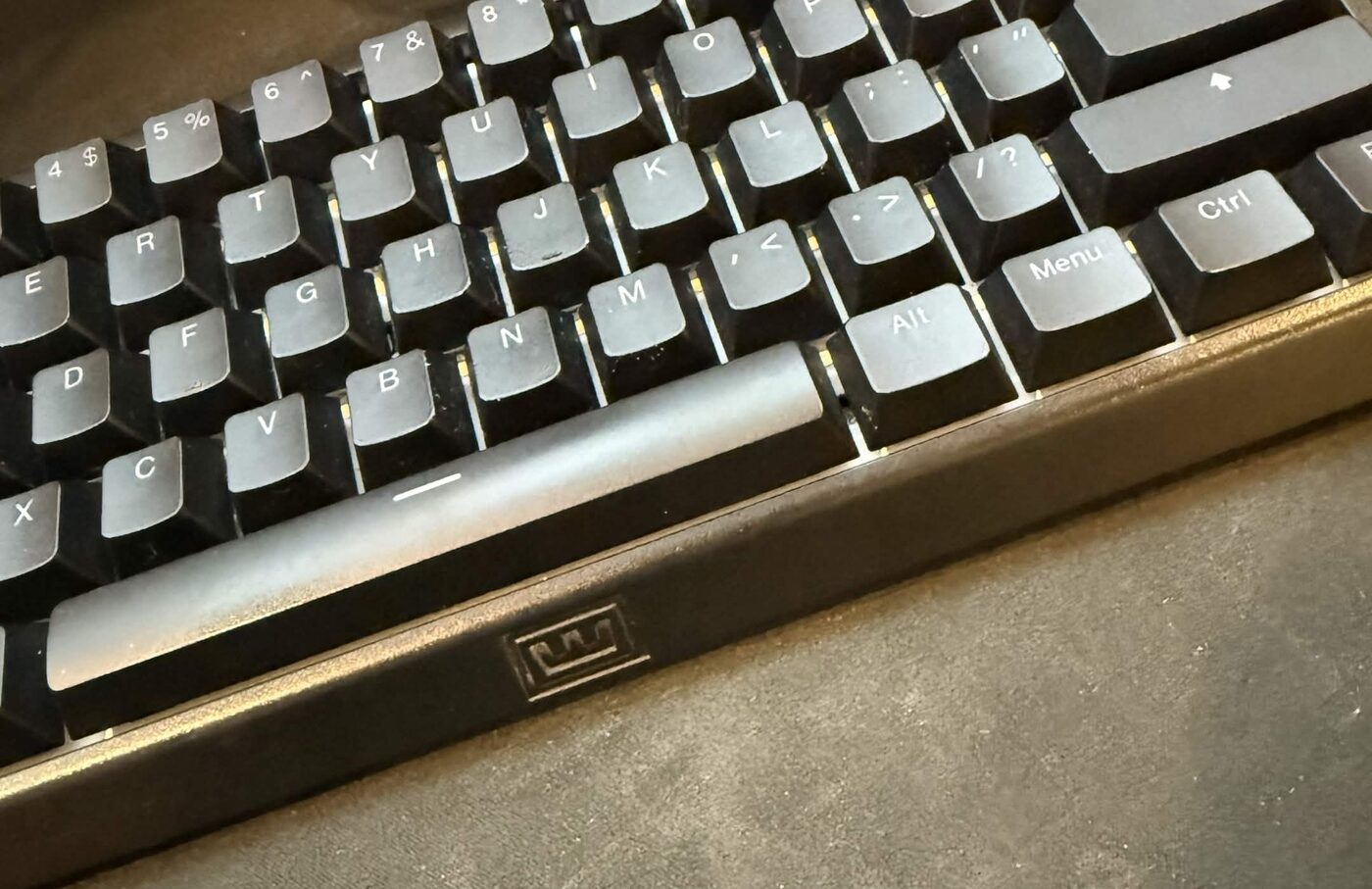
$175 more than first place. Snappy Tappy is last key wins. Rappy Snappy is depth based: the key pressed further down wins. And it replaces the keyboard you already paid for.
 wooting.io
What's good
- Two modes, including depth based
- Built into the keyboard
What's not
- $175
- Replaces the keyboard you own
- 4
Razer Huntsman V3 Pro
Best if you want Razer hardware anyway
- Price
- See razer.com
Snap Tap is Razer's name for last key wins. It ships on the Huntsman V3 Pro line, and the price depends on which board you pick. Every one of them starts with buying a new keyboard.
razer.comWhat's good
- Built into the keyboard
- Several boards in the line
What's not
- A new keyboard to buy
- Price not listed here; see razer.com
Last key wins costs $0 at number one and $175 at number three.
Get Snapmove freeHow we picked
We make Snapmove, so weigh our #1 with that in mind. We ranked by money first, on facts you can check:- What you pay, including any new hardware
- Whether it works on the keyboard you own
- Which operating systems it runs on
- Who maintains it when something changes
Check the rules first
Game rules apply whichever option you pick, free or paid.
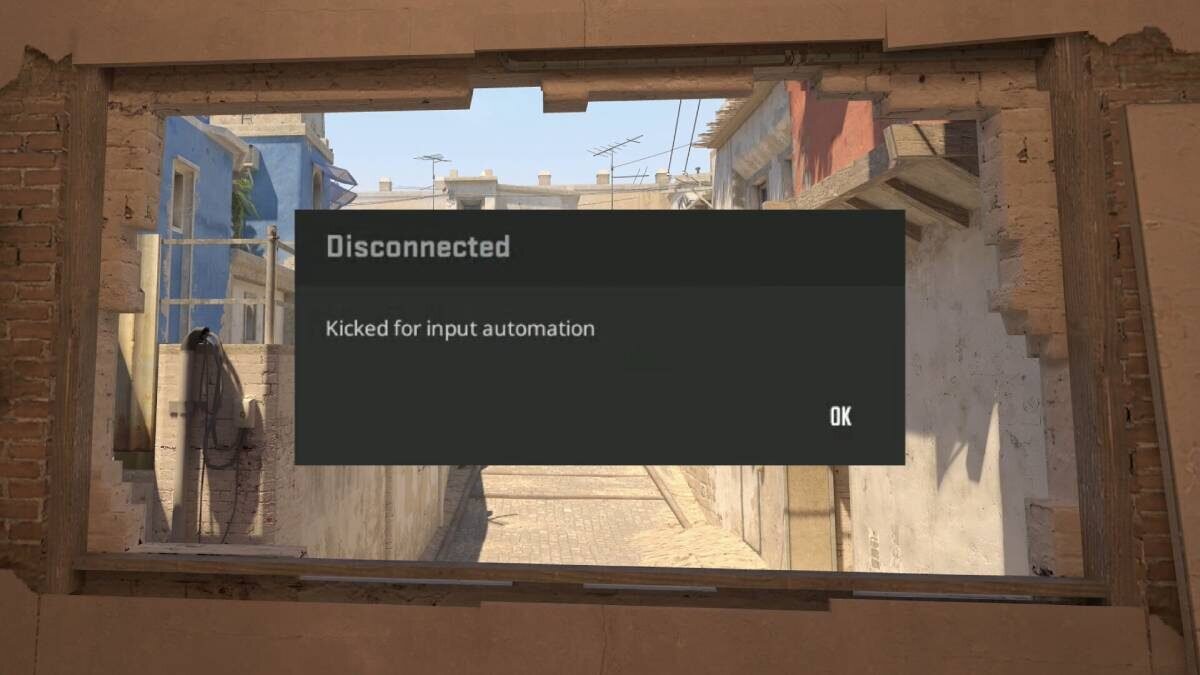
Valve kicks snap-tap-style input from official CS2 matchmaking since August 2024, so turn Snapmove off with F11 before you queue official matchmaking. The VCT ruleset permits Snap Tap and SOCD in Valorant unless league officials say otherwise. Fighting-game tournament rulesets require neutral resolution on button controllers, and Snapmove is not neutral.
FAQ
What does Snapmove cost with Rebind?
Nothing. Snapmove is free, and so is Rebind, the app it runs in. The listing tells new users: Don't have Rebind? It's free.
Can Snapmove do neutral instead?
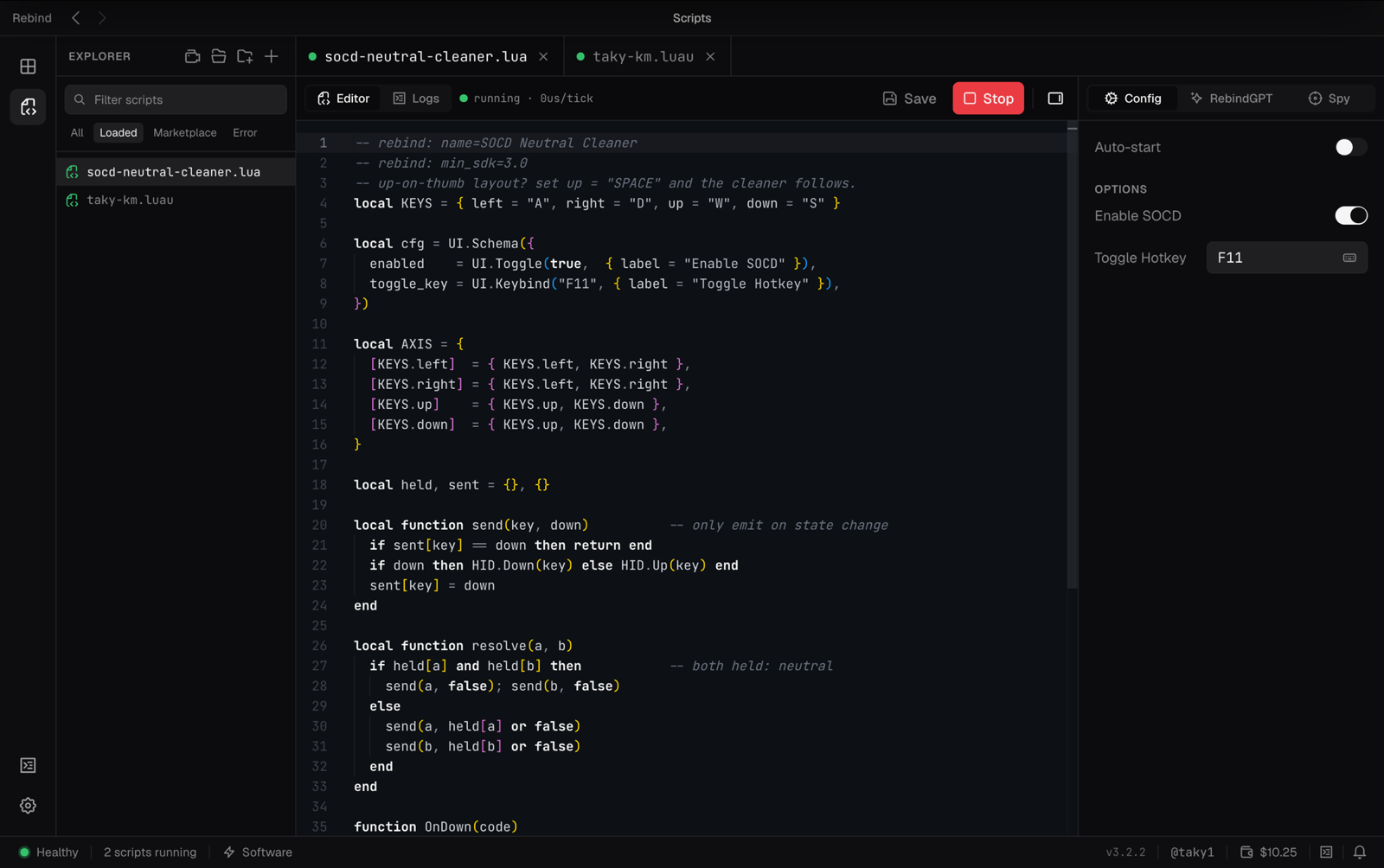
No. Neutral, where left and right cancel to nothing, is a separate short Luau script in Rebind.
How do I use it in a game that is not on the list?
Add the game under "Window/Process Targets" in Snapmove's options.
Start at $0
Snapmove is the only option here that costs nothing and runs on macOS. If it is not for you, you are out $0.
Get Snapmove free