Features
$175 is a lot to pay for one rule
A Wooting 60HE ships with last key wins for $175. Snapmove runs that rule on W, A, S, D on the keyboard you already own, for $0.
| Last key wins, inside a Wooting 60HE | $175 |
|---|---|
| Last key wins, Snapmove on your keyboard | $0 |
A keyboard, bundled with a rule
Razer calls last key wins Snap Tap and builds it into its Huntsman V3 Pro line. Wooting has Snappy Tappy, plus a depth-based mode called Rappy Snappy. Hall-effect boards with the feature start at $175.
The money buys real hardware: analog switches, a case, keycaps. If you want those switches, that is a fair trade, and depth modes like Rappy Snappy need analog keys that software cannot add. If you wanted cleaner strafes, you came for the rule. It is never itemized.
The rule fits in one sentence
When two opposing keys are held, the last one pressed counts. Hold A, press D, and you move right. Release D while A is still down, and you move left again without lifting A.
Your keyboard already reports both keys. Deciding which one counts costs $0.
The $0 version
Snapmove is a package for Rebind, a programmable input app for Windows and macOS. Rebind is free, and so is Snapmove. It applies last key wins to A and D, and separately to W and S.
When D takes over from A, Snapmove keeps A down for 15 to 25 ms by default, so the handoff feels like a real key change instead of an instant cut. Set Overlap Min and Max to 0 and A releases at once. The listing's Files tab shows the Luau that runs.
It needs Rebind 3.5.0 or newer and no extra hardware. The keyboard you own keeps its job, and the $175 stays in your account.
Snapmove$0 / Windows and macOS / code on the listing
Get Snapmove freeThree steps, nothing to pay
- Open the Snapmove listing and click Install in Rebind. No Rebind yet? It's free, and the listing links to it.
- Start a game. By default Snapmove runs in games on its built-in list, CS2 included. Add others under Window/Process Targets in its options.
- Press F11 to turn it on or off. Change the overlap in its options.
What it won't do
- It handles W, A, S, D only. Arrow keys and other pairs are untouched.
- It is not neutral SOCD, where left and right cancel to nothing. That is a separate short Luau script in Rebind. Fighting-game tournament rulesets require neutral on button controllers, and fighting games are not on Snapmove's list.
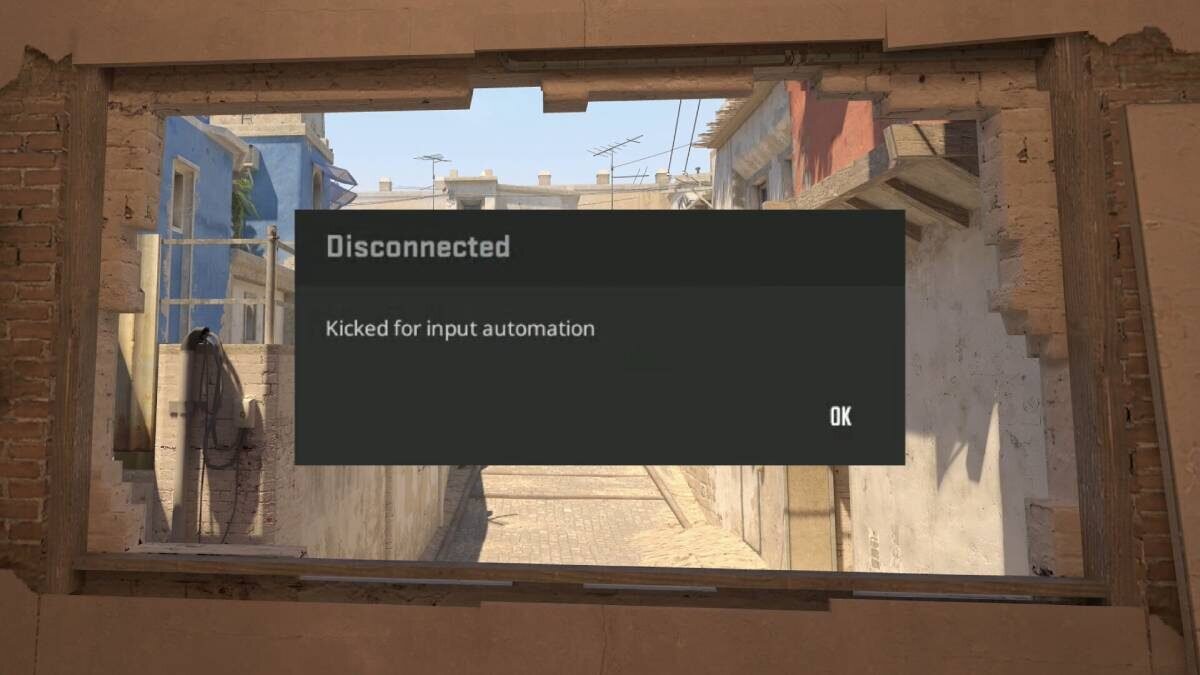
- Valve kicks snap-tap-style input from official CS2 matchmaking since August 2024. Turn Snapmove off with F11 before you queue official matchmaking.
Is it allowed in Valorant?
The VCT ruleset permits Snap Tap and SOCD unless league officials say otherwise. Check the rules of any event you play.
Your bill: $0.
Install Snapmove in Rebind, start a game on its list, and press F11 when you need it off.
Get Snapmove free