Every Way to Get SOCD in 2026, Compared
Razer calls it Snap Tap. Wooting has Rappy Snappy and last-input SOCD. Fighting-game players have needed it for years. Whatever name it wears, the concept is the same: when you hold two opposing directions, the device resolves the conflict instead of the game. The catch: getting it has traditionally meant buying a specific keyboard. That's no longer true, and the options differ more than the marketing suggests.
The short version: Rebind does SOCD on the keyboard you already own, free →
The three routes
| Hall-effect keyboard (Wooting, Razer) | Software tools (AHK, reWASD) | Rebind | |
|---|---|---|---|
| Works on your current keyboard | No, theirs only | Yes | Yes |
| Where it runs | Keyboard firmware | Windows process | Free app (Win/macOS/Linux), or dedicated USB hardware |
| Modes | Last-input (+ analog variants) | Depends on script | Neutral, last-input, scriptable |
| Cost | ~$175–200 (new keyboard) | Free to $7/mo | Free (device optional) |
| Game rules | The same for all three: games regulate the behavior, not the brand. See below. | ||
Route 1: buy the keyboard
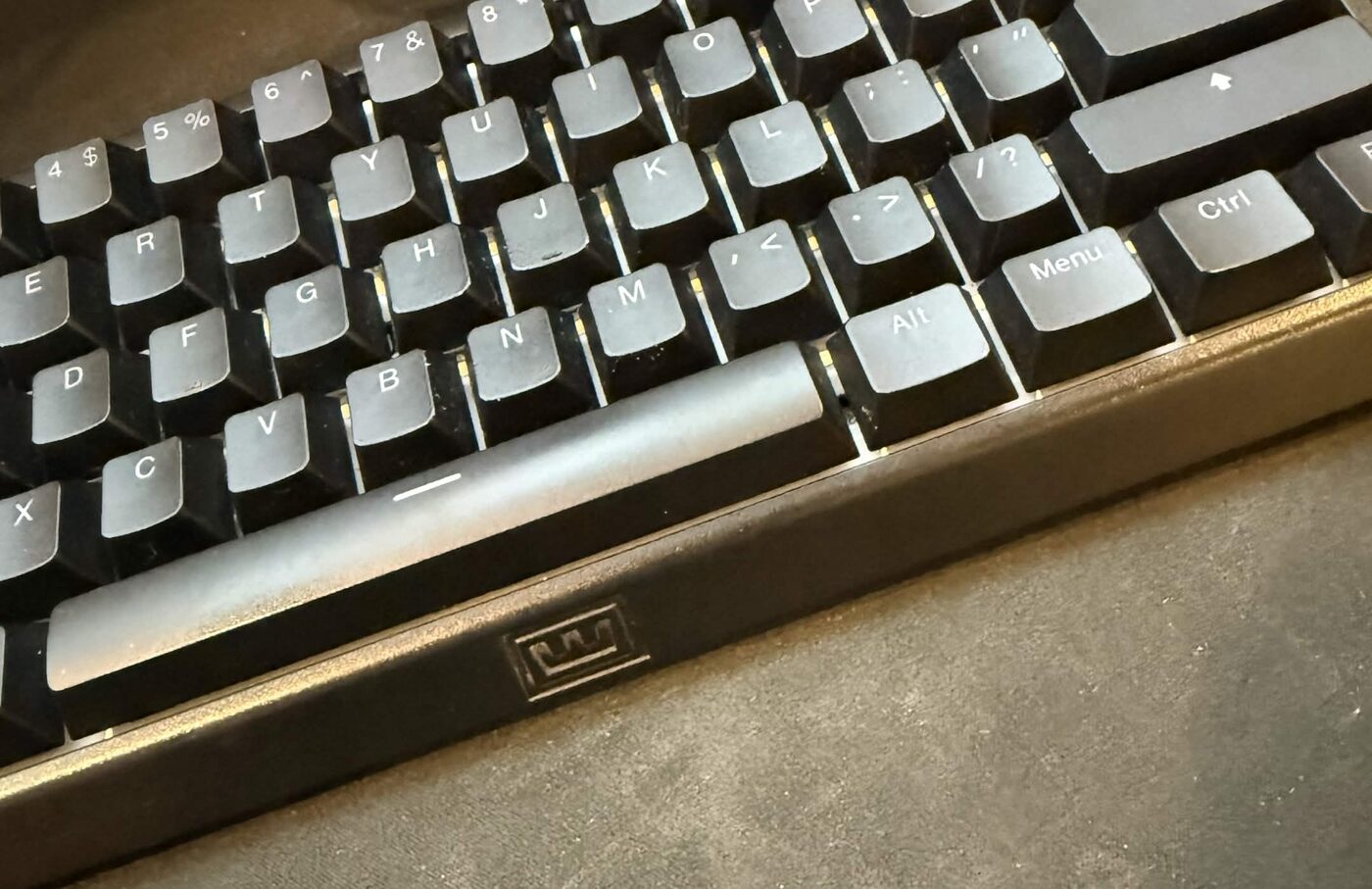
Wooting pioneered this and the 60HE is great hardware; we own one, the analog switches feel superb, and Wootility is well-designed. Razer's Huntsman V3 Pro line does firmware SOCD too. The problem is the deal you're actually signing: the feature lives in their keyboard. Prefer a full-size board? A custom build you've already tuned? A layout that isn't 60%? Then you're spending $175 to $200 to rent one feature, and your muscle memory moves house.
Route 2: software tools
AutoHotkey scripts and tools like reWASD apply the same resolution in a Windows process. Any keyboard works. That part's real. But your input now flows through a user-space hook that anti-cheat systems actively look for, and plenty of players have eaten bans from the tool's presence, separate from what the script did. reWASD is also $7/month. It passes the cost of real hardware inside two years. Windows-only, breaks on elevated windows, dies with OS updates.
Route 3: Rebind runs on the keyboard you already own
Rebind takes the third path: opposing-key resolution as a ~45-line Lua script you can read, on the keyboard you already have. The free app runs it in software mode on Windows, macOS, or Linux: neutral mode for fighting games, last-input where the rules allow it, toggle hotkey either way. The full setup is in the five-minute guide.
 Download Rebind freeSOCD on your current keyboard in five minutes. Windows, macOS, Linux.
→
Download Rebind freeSOCD on your current keyboard in five minutes. Windows, macOS, Linux.
→
When you want the resolution out of the OS entirely, the same script runs unchanged on Rebind Link, a dedicated USB device that presents as a plain keyboard: fixed mode, inspectable, any OS.
The rules row, spelled out
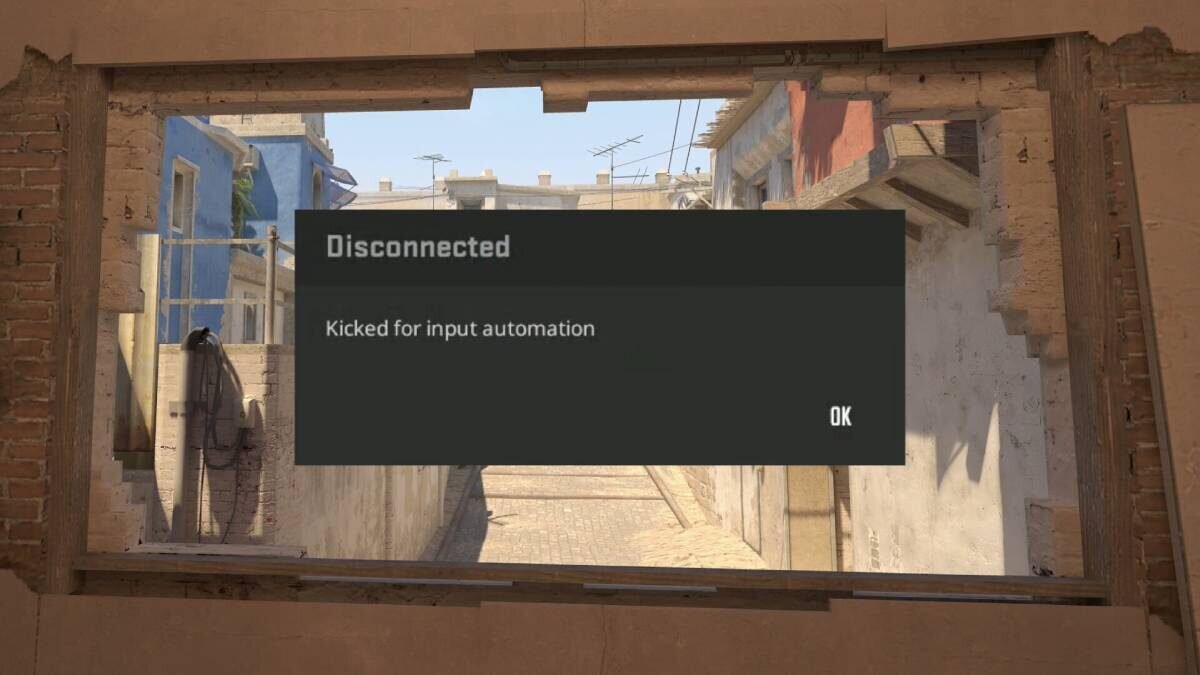
No vendor exempts you from the rules, and anyone implying otherwise is selling something. Valve blocked snap-tap-style resolution from official CS2 matchmaking in August 2024: firmware, software, and external hardware alike. Valorant explicitly permits it; fighting-game majors require the neutral variant on leverless controllers; third-party leagues write their own rules. The full map is in SOCD in 2026: what's banned, what's required. Whatever route you pick, use the mode the game you're queuing allows. That's what the toggle hotkey is for.